
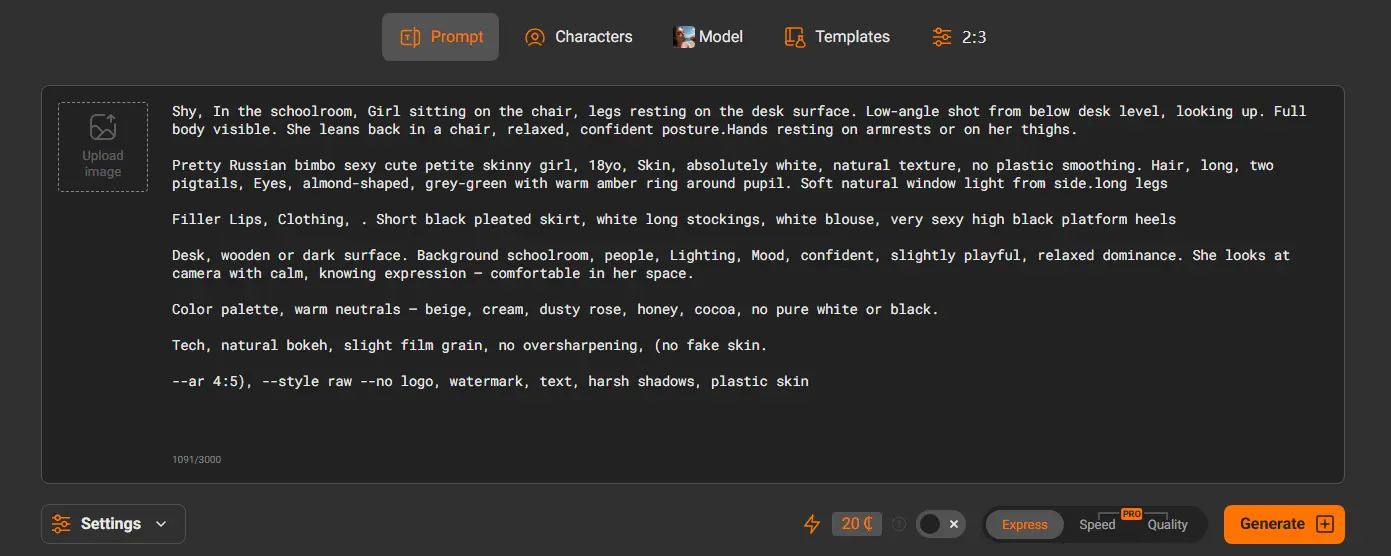
The difference between a mediocre AI-generated image and a stunning one almost always comes down to the prompt. A vague prompt produces generic, flat results. A well-structured prompt produces exactly what you imagined.
This guide teaches you how to write AI porn prompts that actually work — covering structure, style, detail level, negative prompts, and ready-to-use frameworks you can copy, paste, and customize on PornWorks AI or any other Porn generator.
Table of Contents
- Why Prompt Quality Matters
- The Anatomy of a Great AI Porn Prompt
- Step 1: Start With Style
- Step 2: Describe the Subject
- Step 3: Set the Scene
- Step 4: Add Technical Parameters
- Step 5: Use Negative Prompts
- Ready-to-Use Prompt Frameworks by Style
- Realistic / Photographic Prompts
- Anime & Hentai Prompts
- Artistic & 3D Render Prompts
- AI Porn Video Prompts
- Common Prompt Mistakes to Avoid
- Advanced Tips for Better Results
- Frequently Asked Questions
Why Prompt Quality Matters
AI image generators like PornWorks AI use your text prompt as the only instruction they have. The model has no context about what you want beyond the words you type. This means:
- Vague input = vague output. “A hot woman” gives the AI almost nothing to work with.
- Specific input = specific output. Describing hair color, lighting, pose, style, and setting gives the AI a precise target.
- Structure matters as much as vocabulary. The order and grouping of descriptors affects how the AI weights each element.
Most people write prompts the way they would describe something to a friend. AI generators respond better to prompts written more like a photography brief or art direction note — precise, layered, and technical.
The Anatomy of a Great AI Porn Prompt
Every effective AI porn prompt is built from the same five layers, stacked in order:
[Style / Medium] + [Subject Description] + [Scene / Setting] + [Action / Pose] + [Technical Parameters]Each layer adds a dimension of control. Skip a layer and the AI fills the gap with its own defaults — which may not match what you want.
| Layer | What It Controls | Example Words |
|---|---|---|
| 1. Style / Medium | Overall visual aesthetic | photorealistic, anime, 3D render, oil painting, hentai |
| 2. Subject | Who is in the image | adult woman, body type, hair, eyes, skin tone, clothing |
| 3. Scene / Setting | Where and what surrounds the subject | bedroom, beach, studio, outdoor, lighting conditions |
| 4. Action / Pose | What the subject is doing | standing, sitting, specific pose, explicit action |
| 5. Technical Parameters | Camera, quality, resolution signals | 85mm lens, f/1.8, 4K, sharp focus, high detail |
Step 1: Start With Style
The style keyword is the most powerful single word in your prompt. It sets the entire visual direction before the AI processes anything else. Always lead with it.
Available Style Keywords on PornWorks AI
| Style Keyword | Best For | Booster Words |
|---|---|---|
| photorealistic | Lifelike photos, skin texture, real lighting | ultra-realistic, RAW photo, DSLR, sharp focus |
| anime | Japanese animation style, expressive features | high quality anime, detailed linework, vibrant colors |
| hentai | Explicit anime illustration style | detailed, high resolution, manga style |
| 3D render | CGI / game-like quality | Unreal Engine, octane render, subsurface scattering |
| oil painting | Classical artistic look | Renaissance style, painterly, rich colors, canvas texture |
| digital art | Modern illustration, concept art feel | artstation, trending, highly detailed, concept art |
Step 2: Describe the Subject
This is where most beginners write too little. The more specific your subject description, the more the output matches your vision. Use this checklist:
- Age description — always specify adult age (e.g., “woman in her late 20s”, “adult man in his 30s”). Always 18+.
- Body type — slim, athletic, curvy, petite, muscular, tall, etc.
- Hair — color, length, style (e.g., “long wavy auburn hair”, “short black pixie cut”)
- Eyes — color and expression (e.g., “bright green eyes”, “almond-shaped dark eyes”)
- Skin tone — fair, olive, tan, dark, etc.
- Clothing / state of dress — be specific about what is worn or not worn
- Expression — confident, sensual, playful, intense, relaxed
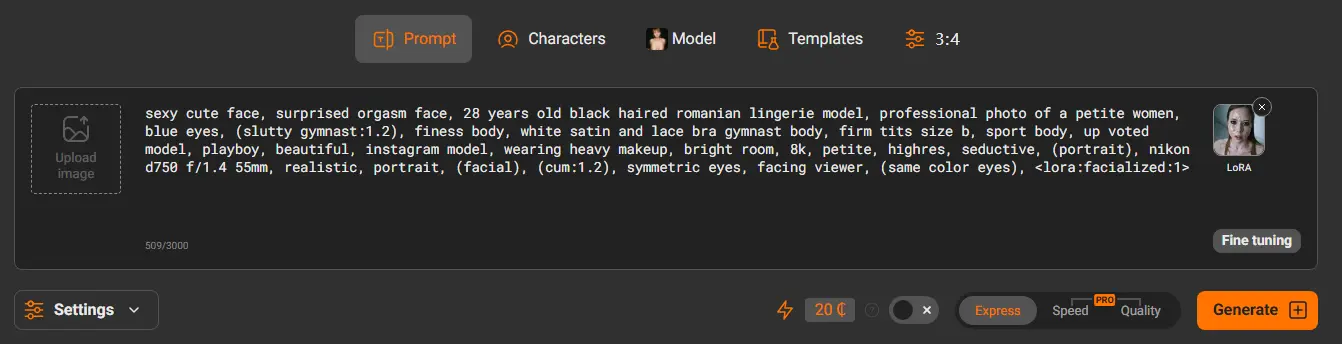
Step 3: Set the Scene
Setting and lighting have an enormous impact on the mood and quality of the final image. Don’t skip this layer.
Setting Examples
- Indoor: bedroom, hotel room, bathroom, office, studio apartment, luxury suite
- Outdoor: beach, poolside, garden, rooftop, forest clearing, balcony
- Fantasy: medieval castle, futuristic cityscape, enchanted forest, underwater scene
Lighting Keywords That Improve Realism
- Natural light: golden hour sunlight, soft morning light, dappled sunlight through trees
- Studio light: soft box lighting, professional studio lighting, rim lighting
- Mood light: candlelight, neon glow, moonlight, warm lamp light, dramatic shadows
Step 4: Add Technical Parameters
Technical parameters tell the AI what kind of camera, lens, and quality level you want. For photorealistic styles, these are essential. For anime or artistic styles, they are optional but can still improve detail level.
Camera and Lens Descriptors (Photorealistic)
shot on Canon EOS R5— signals high-end professional camera85mm lens, f/1.8— portrait lens with background blur35mm lens, f/2.8— wider shot, more environmental contextbokeh background— blurred background, subject in sharp focusshallow depth of field— similar to bokeh effect
Quality Boosters (All Styles)
ultra-high resolution4K/8Khighly detailedsharp focusmasterpiecebest qualityintricate details
Step 5: Use Negative Prompts
Negative prompts tell the AI what not to include. They are one of the most powerful tools for improving consistency and avoiding common AI generation artifacts.
Universal Negative Prompt (copy and use on any generation)
Style-Specific Negative Prompts
For Photorealistic:
For Anime / Hentai:
For 3D Render:
Ready-to-Use Prompt Frameworks by Style
The following frameworks are fill-in-the-blank templates. Replace everything in [square brackets] with your own descriptors. The structure and booster words are already optimized — just customize the content.
Realistic / Photographic Style Frameworks
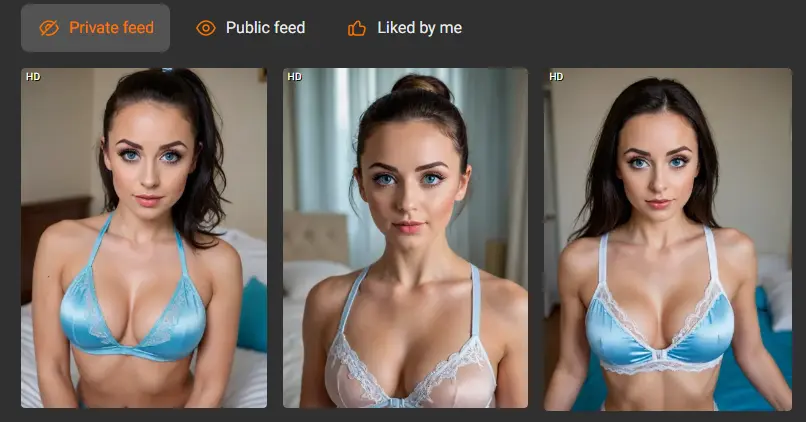
Framework R1 — Portrait / Close-up
Framework R2 — Full Body
Framework R3 — Environmental / Scene
Anime & Hentai Style Frameworks
Framework A1 — Standard Anime Portrait
Framework A2 — Hentai Style
Framework A3 — Fantasy / Isekai Style
Artistic & 3D Render Style Frameworks
Framework D1 — 3D CGI / Game Style
Framework D2 — Digital Painting / Concept Art
Framework D3 — Oil Painting / Classical Art
AI Porn Video Prompt Frameworks
Video prompts work differently from image prompts. The AI needs to understand motion, not just appearance. Focus on describing the action and camera movement, not just the static scene.
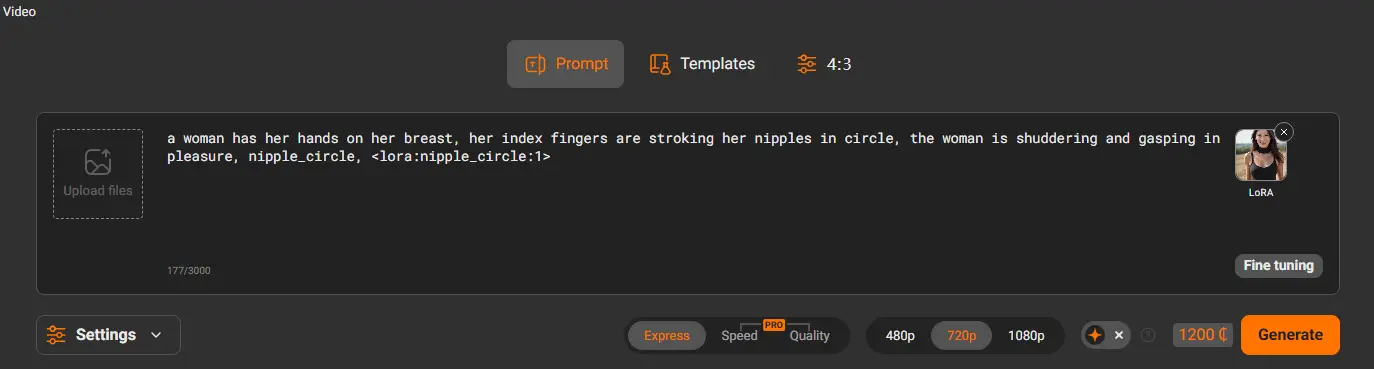
Key Differences for Video Prompts
- Describe motion explicitly — “slowly walking”, “camera panning left”, “gentle swaying movement”
- Keep scenes focused on one action — complex multi-scene descriptions produce inconsistent results
- Specify camera behavior — “static camera”, “slow zoom in”, “handheld camera”
- Include duration feel — “slow motion”, “real time”, “time lapse”
Framework V1 — Scene / Cinematic Video
Framework V2 — POV / First Person
Common Prompt Mistakes to Avoid
| Mistake | Why It’s a Problem | Fix |
|---|---|---|
| Too vague — “a beautiful woman” | AI fills gaps with random defaults | Add hair, eyes, body type, setting, lighting |
| No style keyword | AI picks a default style that may not match | Always start with photorealistic / anime / 3D render etc. |
| Contradicting keywords | AI gets confused, produces hybrid results | Don’t mix “photorealistic” and “anime” in the same prompt |
| No lighting descriptor | Flat, uninteresting lighting kills realism | Add at least one lighting word to every prompt |
| No negative prompt | AI artifacts like extra fingers, blurry faces appear | Always paste the universal negative prompt |
| Giving up after one generation | AI outputs have natural variation — first result is rarely the best | Generate 3-5 variations, then use the Brush tool to refine |
| Sentences instead of keywords | AI responds better to keyword lists than natural sentences | Use comma-separated descriptors, not full sentences |
Advanced Tips for Better Results
1. Weight Your Most Important Keywords
On some generators, you can emphasize a keyword by adding extra weight to it. On PornWorks AI, simply place the most important descriptors earlier in the prompt — the AI gives higher weight to words that appear first.
2. Use the Brush Tool to Fix Specific Issues
Instead of regenerating an entire image because one element is wrong, use the AI Porn Brush tool to paint over only the problem area and fix it with a targeted prompt. This preserves everything you liked about the original image.
3. Save Prompts That Work
When you find a prompt structure that consistently produces good results, save it as a template. Modify one variable at a time — change the setting while keeping the subject description, or change the lighting while keeping everything else the same. Systematic iteration produces better results than starting from scratch each time.
4. Layer Style Transfer After Generation
Generate your scene in photorealistic style first to get the composition and subject right, then use Style Transfer to convert it to anime or another style. This often produces better results than prompting for that style directly, because the underlying composition is more accurate.
5. Generate Multiple Variations
Always generate at least 3 variations of any prompt before deciding it does not work. AI outputs have natural randomness — the same prompt can produce very different results on each run. The best result is usually in the 3rd or 4th variation.
6. Use Characters for Consistency
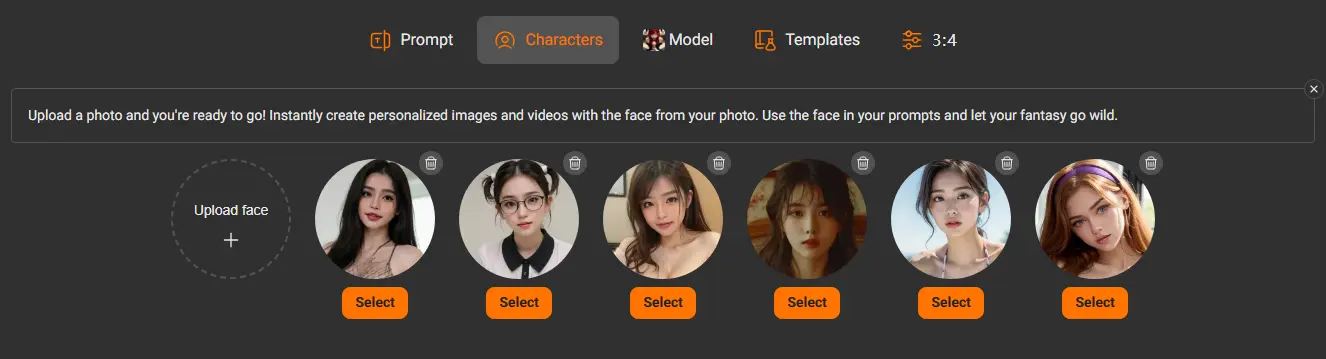
If you want to generate multiple images featuring the same person, create a saved Character in PornWorks AI first. This locks in the appearance and produces consistent results across different scenes and prompts.
Frequently Asked Questions
What makes a good AI porn prompt?
A good AI porn prompt is specific, structured, and includes all five layers: style, subject description, scene/setting, action/pose, and technical parameters. Vague prompts produce generic results. The more precisely you describe what you want, the closer the output will match your vision.
How long should an AI porn prompt be?
Effective prompts are typically 30 to 100 words. Too short and the AI lacks direction. Too long and the model may struggle to balance all the descriptors. Aim for the sweet spot of 50 to 80 words for most image generations.
Do negative prompts really make a difference?
Yes, significantly. Negative prompts are one of the most effective tools for eliminating common AI artifacts like extra fingers, distorted faces, and blurry areas. The universal negative prompt in this guide can be pasted into any generation as a baseline — it costs nothing and consistently improves output quality.
Why does my prompt produce different results each time?
AI image generators include intentional randomness (called “noise”) in each generation run. This is by design — it allows the model to produce creative variation. Use this to your advantage by generating multiple versions of a promising prompt and selecting the best result.
Can I use these prompts on generators other than PornWorks AI?
Yes. The prompt frameworks in this guide are written using universal AI image generation terminology that works across most Porn generators. However, results vary between platforms because each uses different underlying models.
What should I do if my prompt produces distorted hands or faces?
Add the universal negative prompt to your generation, and use the AI Porn Brush tool to paint over the specific problem area and fix it with a targeted prompt like “perfect hand, five fingers, natural pose” or “beautiful face, detailed features, sharp focus”.
Start Generating Now
You now have everything you need to write prompts that produce consistently high-quality results. Pick a framework above, customize it, and paste it into PornWorks AI — no registration required to get started.