Image generation
Create a new still image from text, or transform a compatible reference image with a prompt and transformation strength.

Private AI creation workspace
Create private AI porn images or switch to video. Compare compatible models, LoRAs, templates, settings, credit costs, and private results.
Creation feeds
Keep private results separate, explore opt-in public work, and revisit creations you liked.
Loading creations…
Private feed by default • No indexable result page • Adults only
Image and video workspace
Use the Image and Video switch to open the matching workflow, then review the visible model, inputs, settings, and estimated cost before generating.
Begin by deciding whether the result is a still image or a motion clip; that choice determines the available input path and product workspace.
Describe the subject, setting, composition, and style. For motion, add the intended action, camera behavior, and pacing.
Compare model examples, access state, and estimated credits, then inspect only the settings offered for the chosen workflow.
Check guest or account access and the current credit estimate, then submit and follow the job in private recent activity.
Generator mode
A written prompt and a reference image are different inputs. Selecting the workflow first prevents incompatible models and controls from being presented as usable.
Create a new still image from text, or transform a compatible reference image with a prompt and transformation strength.
Create motion from a written scene, or animate a compatible starting image with a video model and supported format.
Workflow comparison
Use this overview to compare the main decision points; open the image or video page for model-specific inputs, settings, and job guidance.
| Workflow comparison | AI Porn Image Generator | AI Porn Video Generator |
|---|---|---|
| Starting point | A written prompt or a compatible JPG, PNG, or WebP reference image. | A written scene or a compatible JPG, PNG, or WebP starting frame. |
| Output | A still image in an aspect ratio supported by the selected image model. | A motion clip in a format and duration supported by the selected video model. |
| Guest access | When the guest service is ready and a daily allowance remains, an eligible guest can create one clear watermarked image per IP each UTC day. | Video generation requires a signed-in account and credits. |
| Model controls | Image model, aspect ratio, editable prompt, compatible LoRAs, templates, and advanced settings. | Video model, text-to-video or image-to-video mode, supported format, prompt, and advanced settings. |
| Before submission | Guest allowance or account balance and the selected image model credit estimate. | Account requirement, balance, and the selected video model credit estimate. |
| After submission | Queue, progress, result, and verified refund state remain in private recent activity. | Queue, elapsed time, progress, result, and verified refund state remain in private recent activity. |
About PornWorks AIRead the Privacy PolicyRead the Terms of Service
Recover from a blocked or interrupted request
Use the status shown in the workspace and Recent activity before sending another request. A failed screen, timeout, or canceled task does not by itself prove that credits were refunded.
Video and account-backed image workflows require sign-in and sufficient credits. Guest text-to-image is available only when the workspace shows the guest service as ready, an allowance remaining, and the request as eligible.
Choose Image or Video first, then select a workflow supported by the active model. Image-to-image needs a valid reference image; image-to-video needs a compatible starting image. Recheck model-specific formats and settings after changing the model.
For a 429 response, wait before trying again. After a timeout or transient upstream connection failure, check Recent activity first and do not submit a duplicate while a job is queued or running.
The editable form draft is kept in this browser session. When a failed or canceled history item still has a draft, “Use these settings again” restores its text, model, and supported settings; reference uploads must be selected again.
A failed or canceled status is not proof of a refund. “Pending” means the generation service is still being checked; “unverified” means the refund could not be confirmed and no refund is claimed.
First-party capability data
This versioned snapshot turns the public generator contract into a reviewable model, workflow, access, cost, output-size, LoRA, and template matrix.
| Model | Workflow | Access | Estimated credits | Output sizes | Compatible add-ons |
|---|---|---|---|---|---|
| FLUX.1-schnell | Text to image | Account required | 10 | 1024x1024, 832x1216, 1216x832 | 78 LoRAs / 1 prompt templates |
| Qwen Image Edit | Image to image | Guest-compatible only when service is ready, an allowance remains, and the guest is eligible | 5 | Not specified by the public contract | 0 LoRAs / 0 prompt templates |
| Realistic SDXL | Text to image | Guest-compatible only when service is ready, an allowance remains, and the guest is eligible | 5 | 1024x1024, 832x1216, 1216x832 | 115 LoRAs / 0 prompt templates |
| Wan 2.2 I2V 720p | Image to video | Account required | 50 | 1280x720 | 13 LoRAs / 0 prompt templates |
| Wan 2.2 I2V 14B | Image to video | Account required | 40 | 432x768, 512x768, 624x832, 640x640, 720x1280, 768x432, 768x512, 832x624, 1280x720 | 13 LoRAs / 13 prompt templates |
| Wan 2.2 T2V 14B | Text to video | Account required | 40 | 432x768, 512x768, 624x832, 640x640, 720x1280, 768x432, 768x512, 832x624, 1280x720 | 12 LoRAs / 12 prompt templates |
| Wan 2.6 T2V | Text to video | Account required | 75 | 720x1280, 1080x1920, 1280x720, 1920x1080 | 12 LoRAs / 1 prompt templates |
Credit values are the estimates exposed by the public contract. Availability can change; guest-compatible does not mean the guest service is ready, an allowance remains, or the guest is eligible.
Compiled from the public generator configuration, LoRA catalog, and template catalog. Prompts, media, accounts, sessions, balances, and credentials are excluded.
This is a capability snapshot, not a ranking or a benchmark of output quality, speed, popularity, or reliability.
Dataset Use Terms (snapshot 2026-08-08; all rights reserved). The CSV and JSON capability snapshot may be viewed and downloaded only from the links on this page. No additional rights are granted except with prior written permission from Sofia Exotic Rentals LTD or as allowed by applicable law. These terms apply only to rights Sofia Exotic Rentals LTD holds in this compiled snapshot; third-party names, trademarks, and materials remain with their respective owners. These terms do not permit redistribution, resale, republication, scraping, data mining, sublicensing, or creation of a derivative dataset. A citation should identify PornWorks AI as the source, retain the snapshot date, and link to this versioned Dataset Use Terms section. The Terms of Service and Acceptable Use Policy also apply.
Model examples
The media below is bundled product preview material used to explain model direction. Results still depend on the prompt, input media, compatible settings, model availability, and generation service.
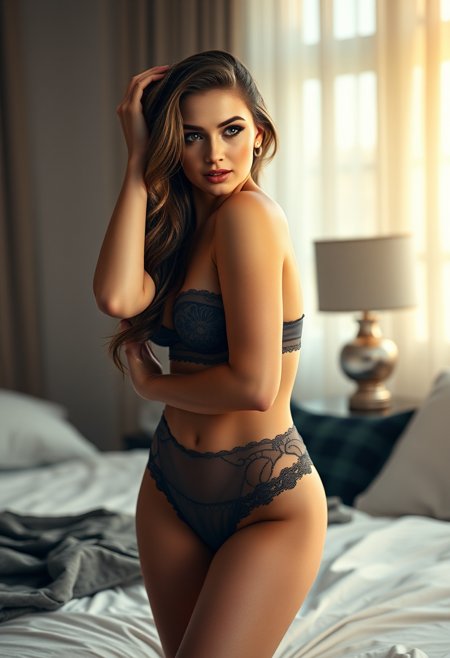
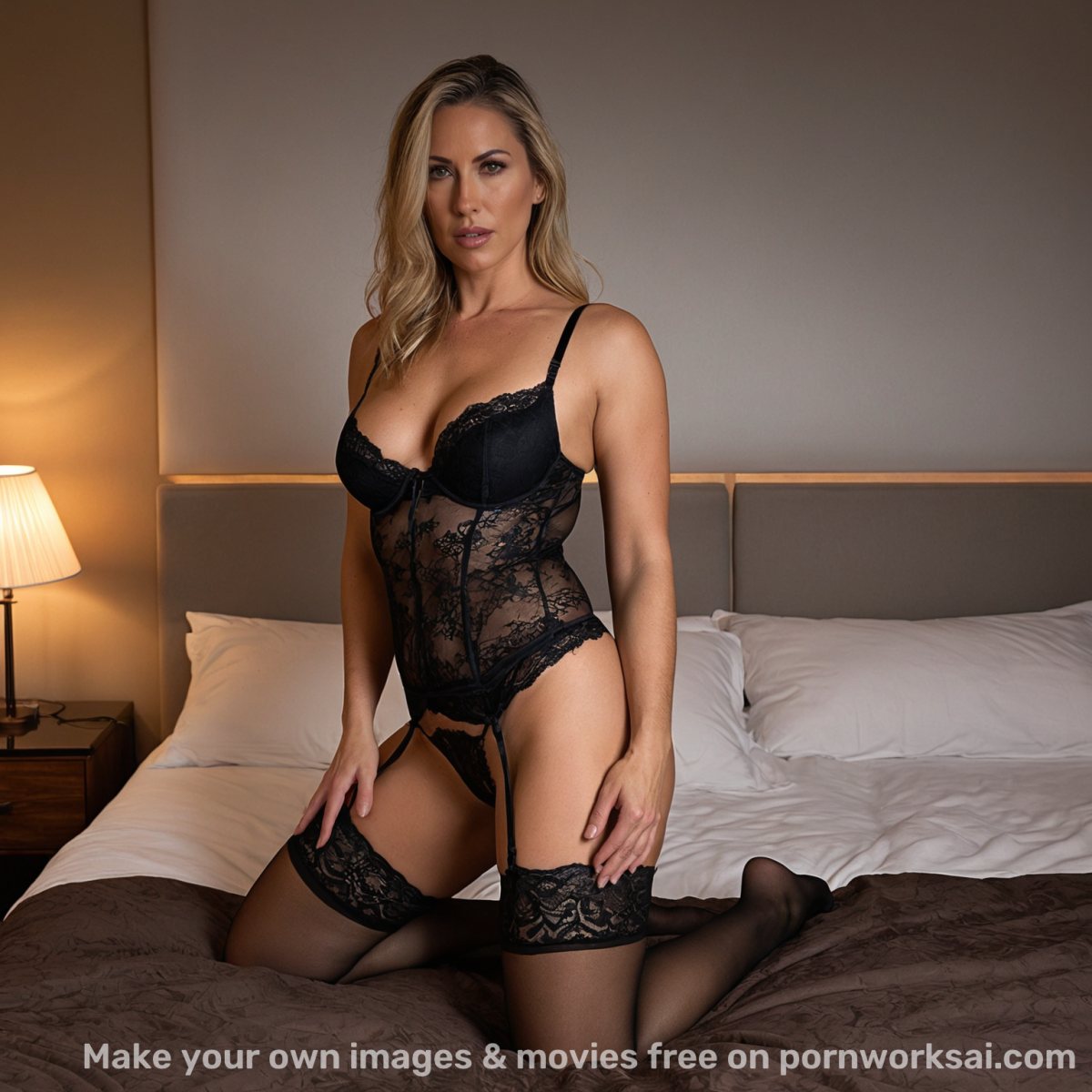
Recent results their owners chose to share publicly, hand-picked by our team.

portrait of a beautiful asian woman, elegant styling, studio light, photorealistic
photorealistic portrait of a stunning young woman, long brown hair, natural skin texture, soft golden hour studio lighting, elegant off-shoulder dress, gentle smile, sharp focus, detailed face, 8k uhd, professional photography

A man and woman in a retro convertible car, sharing a moment of intimacy and adventure. A man is driving, while a naked woman sits on the backrest of the rear seat behind him, her arms spread wide as she savors the beauty of the moment.
A man and woman in a retro convertible car, sharing a moment of intimacy and adventure. A man is driving, while a naked woman sits on the backrest of the rear seat behind him, her arms spread wide as she savors the beauty of the moment.
A man and woman in a retro convertible car, sharing a moment of intimacy and adventure. A man is driving, while a naked woman sits on the backrest of the rear seat behind him, her arms spread wide as she savors the beauty of the moment.
A man and woman in a retro convertible car, sharing a moment of intimacy and adventure. A man is driving, while a naked woman sits on the backrest of the rear seat behind him, her arms spread wide as she savors the beauty of the moment.
A man and woman in a retro convertible car, sharing a moment of intimacy and adventure.
A man and woman in a retro convertible car, sharing a moment of intimacy and adventure.
masterpiece, A pretty, modern young woman, aged 20. Her hair is black and in a bun. She's sitting in the middle of her kitchen. She is looking at her lover. She is facing her lover. She's lounging on the floor. She's lying on the floor, waist arched, legs raised in the air. Her round breasts point f
masterpiece, A pretty, modern young woman, aged 20. Her hair is black and in a bun. She's sitting in the middle of her kitchen. She is looking at her lover. She is facing her lover. She's lounging on the floor. She's lying on the floor, waist arched, legs raised in the air. Her round breasts point f
A man is fucking a beautiful slim fit 25 years old woman, messy hair, ginger, freckles, small breasts, A-cup, narrow torso, on all fours, face down, she gets anal fucked from behind by a sexy man with a huge extremely wide and extremely long cock, bigger penis, doggy style, full bodies view, Accurat
A man is fucking a beautiful slim fit 25 years old woman, messy hair, ginger, freckles, small breasts, A-cup, narrow torso, on all fours, face down, she gets anal fucked from behind by a sexy man with a huge extremely wide and extremely long cock, bigger penis, doggy style, full bodies view, Accurat
Product guide
Practical answers about inputs, compatible controls, costs, progress, and privacy.
Choose the image workflow for prompt or reference-image creation, or open the video workflow for motion. Review the compatible model, controls, and cost before submitting.
The selected model determines compatible sizes, settings, LoRAs, and templates. Every applied value remains visible before generation.
Guest availability is shown in the workspace. When the guest service is ready and a daily allowance remains, an eligible image guest can create one clear watermarked image per IP each UTC day; video requires an account and credits. The selected model cost appears before submission.
New results stay in the session or owner-only private feed and have no indexable result URL. They are not published automatically; a public gallery shows only creations their owners chose to share.